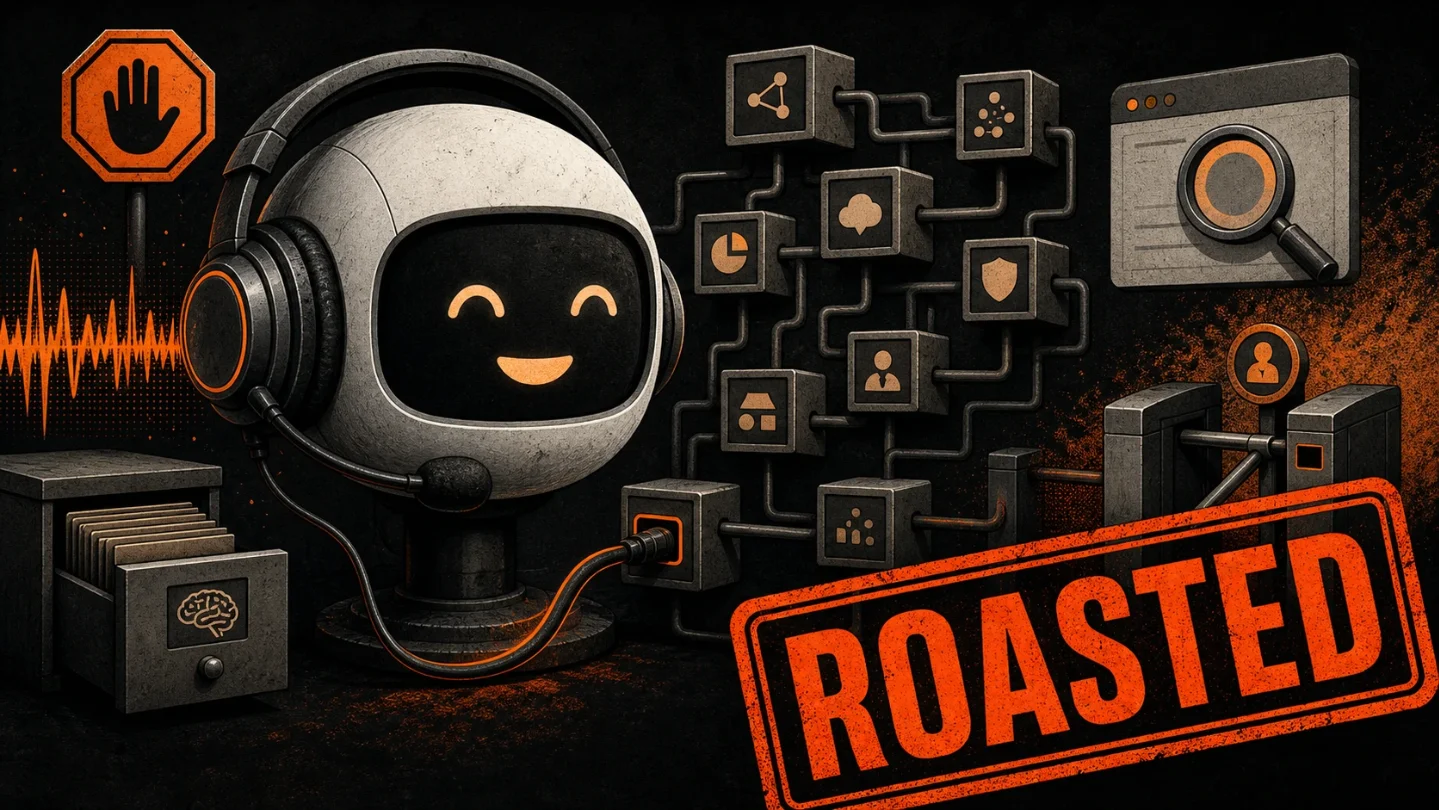
OpenAI put a therapist voice on the switchboard
GPT-Live makes ChatGPT Voice feel more natural by listening, speaking, searching, remembering, and delegating work at the same time. The useful part is real; the catch is that a warmer voice makes audio retention, transcript handling, safety intervention, model routing, and plan limits easier to forget.

The pitch is "talk naturally." The product is "let the model decide whether this pause was you thinking or the machine's cue to jump in."
OpenAI introduced GPT-Live on July 8 as a new generation of voice models powering ChatGPT Voice, with GPT-Live-1 for paid users and GPT-Live-1 mini for Free users. 1 The launch copy sells the pleasant part first: a voice assistant that can listen and speak at the same time, take interruptions, wait through pauses, and answer with less of the old walkie-talkie rhythm. 1
That is a real improvement. It is also the kind of improvement that makes the plumbing more important, not less. Once the chatbot starts behaving like a person on the phone, users stop noticing the machinery. The machinery, unfortunately, is the product.
What OpenAI actually shipped
GPT-Live is not just a nicer voice skin for ChatGPT. OpenAI says the model uses a full-duplex architecture, meaning it continuously processes input while generating output instead of waiting for each turn to end. 1 In plain English: the system is always deciding whether to listen, talk, pause, interrupt, or hand work to another model.
The delegation piece is the trick. OpenAI says GPT-Live handles the live conversational flow, then delegates harder questions that need search, reasoning, or agent-like work to a frontier model in the background. At launch, GPT-Live uses GPT-5.5 behind the scenes for that deeper work. 1
So the friendly part is the headset. The useful part is the relay room behind it.
OpenAI's help page says Live can use web search and memory, show visual results through supported widgets, and work with text and images in the same chat when those features are available for the user's account. 2 It also says Live does not initially support video, screen sharing, connected apps, or plugins. 2
That makes GPT-Live a very specific product: a conversational control layer for ChatGPT's existing surfaces. It is not the all-seeing agent voice from the demo reel. It is a live audio interface wrapped around search, memory, visual cards, images, account limits, and model routing.
The natural conversation has a permission slip
| Pitch | Plumbing underneath |
|---|---|
| "It can listen and speak at the same time" | GPT-Live continuously processes audio and makes interaction decisions many times per second. 1 |
| "It is smarter voice" | Harder work is delegated to other models such as GPT-5.5, which means the voice model is partly a dispatcher. 1 |
| "It is available to everyone" | Free users get GPT-Live-1 mini; paid users get GPT-Live-1. Business, Enterprise, and Edu workspaces do not get Live at launch. 2 |
| "It works inside ChatGPT" | It is available on ChatGPT.com and the iOS and Android apps, but not initially in Temporary Chats, the desktop app, Work, Codex, or custom GPTs. 2 |
| "Voice is included" | OpenAI's pricing page lists Voice as available on Free, expanded on Go and Plus, and unlimited on Pro, subject to limits and abuse guardrails. 3 |
That table is the product in miniature. The magical interaction is real. The boundary conditions are also real. GPT-Live is not one universal voice mode. It is a tiered, rolling, region-sensitive, workspace-sensitive feature with different models and missing surfaces depending on where the user sits.
This matters because voice is intimacy theater. A text box feels like software. A voice that says "mhmm" while you think feels like a participant. OpenAI explicitly says GPT-Live can acknowledge users with phrases like "mhmm" or "got it," wait when asked, and focus on the user's voice through background noise. 1 That is good interface design. It is also a very efficient way to make people forget they are operating a product with account tiers and data controls.
The data bargain is not hidden, just easy to ignore
The help page is admirably blunt once you scroll far enough. Audio clips from Live and Advanced Voice conversations are stored with the transcript in chat history and retained for 30 days. 2 If a user deletes a chat, OpenAI says it also deletes the associated audio and video clips within 30 days, except when it needs to keep them for security, safety, or legal reasons, or when the user previously chose to share clips for model training and they were already disassociated from the account. 2
OpenAI says it does not train models on audio or video clips unless the user chooses to share them or enables the relevant audio or video recording toggles. 2 But the same page says transcripts and other files from Voice conversations may be used to train models when "Improve the model for everyone" is turned on, depending on plan and settings. 2
That distinction is important. The raw audio clip and the transcript are not the same object, but the user experience collapses them into one memory: "I talked to ChatGPT." GPT-Live makes talking feel less like submitting a query. The data controls still treat the resulting conversation as a bundle of audio clips, transcripts, files, settings, account status, and optional training permissions.
The system card adds another layer. OpenAI says GPT-Live's inputs and generated outputs are checked as the conversation unfolds, and that the system can steer or interrupt a response, play a spoken safety message, provide support resources in text, or end the voice conversation in higher-risk cases. 4 That is exactly the kind of safety stack a live voice model needs. It is also a reminder that the warm voice on the other end is being supervised mid-sentence.
The product risk is social, not just technical
OpenAI has clearly learned from the old voice modes. The company says earlier cascaded systems lost information across speech-to-text, language-model, and text-to-speech steps, while turn-based voice models had to wait for silence and could interrupt at awkward moments. 1 GPT-Live is a serious attempt to fix that.
The sharper question is what happens when it succeeds.
A bad voice assistant reminds you it is a machine every 14 seconds. A good one trains you to keep talking. OpenAI says more than 150 million people talk to ChatGPT each week through Voice and Dictation, using it for hands-free help, language practice, bedtime stories, and commuting chat. 1 GPT-Live is aimed directly at that habit loop.
The help page also admits the messy edges. Live is designed primarily for one-on-one conversation and is not yet optimized for several people speaking at once. It may respond when people are speaking to one another instead of to ChatGPT. 2 Transcripts are not verbatim records and may not exactly match what was said, especially with overlapping speech, background noise, or quick conversation. 2
Those are not tiny footnotes. They are the difference between a useful voice tool and a household witness with bad hearing and a polished bedside manner.
Verdict
GPT-Live is one of OpenAI's more honest products because the good part and the uncomfortable part are the same part. A full-duplex voice model that can listen, interrupt, wait, search, remember, and delegate work is genuinely better than shouting prompts into a turn-taking machine. 1
The catch is that "natural conversation" is not a feature you simply add. It is a trust accelerator. GPT-Live makes ChatGPT feel less like software at the exact moment it asks users to accept live audio capture, transcript retention, model routing, safety intervention, plan limits, and memory/search surfaces in one smooth call. If you want a better voice assistant, this is progress. If you want to remember where the product begins and the person-shaped interface ends, GPT-Live just made that harder on purpose.
Related content
- Sign in to comment.